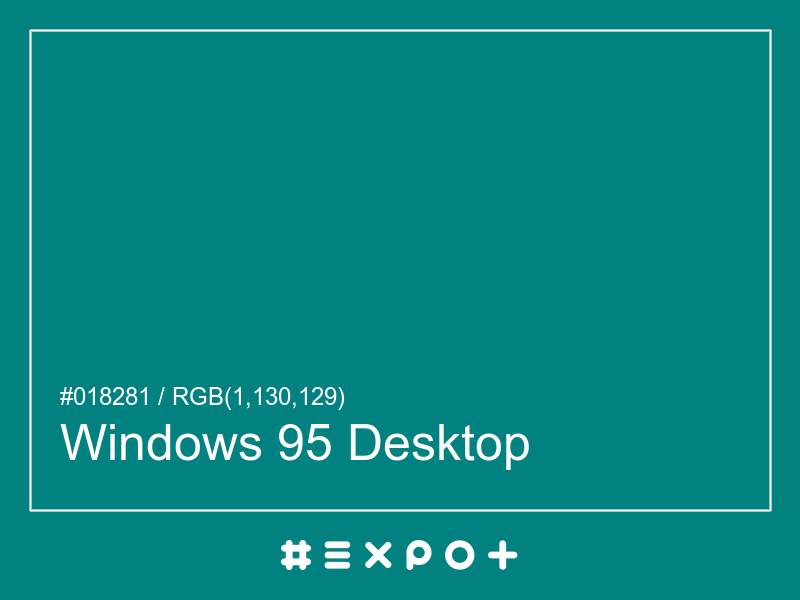
Windows 95 Desktop is calm, cool-toned shade of warm cyan. It is better contrasting with white. This color combines beautifully with cool red, cool yellow or cool magenta
| Inverse Color | #fe7d7e |
| Complementary Color | #820002 |
| Color Shade: | warm cyan (179.53° hue) |
| Color Temperature: | cool |
| Lightness: | 25.69% (better contrasting with white) |
If you're looking for a similar warm cyan shade, there are some better alternatives to Windows 95 Desktop Color. The Caribbean Turquoise color for instance is a lighter and a bit more vibrant option, however this color has a green cyan bias. Consider a darker and more saturated alternative called Barbados Bay (#006665) for more energetic effect. Try Sci-fi Petrol as it also a bit more vibrant and energetic.
#820002 is the best complementary color to Windows 95 Desktop. Cool red shades generally complement the warm cyan hues best as they are found on the opposite end of the color wheel. The most popular #018281 complementary color is Maroon, as it offers maximum contrast and grab the viewer's attention.
The analogous palette of cool green, warm cyan, and cool cyan colors offers a soft combination of similar cool shades. The analogous colors of Teal are #008240 and #004282. Thus found on the left and right of #018281 on the color wheel with a 30° gap. Consider matching Fun Green and Congress Blue colors as they work well with Windows 95 Desktop.
The split-complementary Windows 95 Desktop palette consists of #824000 and #820042 colors. They can be found 30° apart on either side of the complementary color (#820002). Try Cinnamon and Siren colors in combination with #018281, as they are not as contrasting as a complementary color, hence, giving more hue variety to make your design stand out.
The triadic palette of #018281 offers a combination of warm yellow and cool magenta shades and equally high contrast between the three of them. Find triadic colors at the 120° distance from the Windows 95 Desktop. Thus Olive and Purple giving maximum hue separation to use all three together.
The square color palette of Windows 95 Desktop contains three additional colors. Thus, complementary Maroon, Pigment Indigo, and Limeade split by 90° on the color wheel. #018281 square combo is a palette of warm cyan, warm blue, cool red and cool yellow shades that work together well.
The tetradic palette is a bit more complex than the square and has more of a rectangle shape. Windows 95 Desktop tetradic combo consists of cool red complementary color (#820002) and two others. The Purple is positioned 120° clockwise from the primary color and Japanese Laurel – 120° from the complementary Maroon. This palette is not recommended to use as-is. Try to tweak the saturation and brightness of #800082 and #028200.
In a RGB color space, hex #018281 is made of 0% red, 50% green and 50% blue. In a HSL mode Windows 95 Desktop has a hue angle of 179.53°, a saturation of 98.47% and a lightness of 25.69%. In a CMYK space (used in printing only), hex #018281 is made of 50.59% cyan, 0% magenta, 0.39% yellow and 49.02% black ink.
| HEX | #018281 |
| RGB Decimal | rgb(1,130,129) |
| RGB Percentage | 0%, 50%, 50% |
| CMYK | 50.59, 0, 0.39, 49.02 |
| HSL | hsl(179.53,98.47%,25.69%) |
| HSV (or HSB) | hsv(179.53,99.23%,50.98%) |
| CIE-LAB | lab(48.954,-29.437,-8.0252) |
| XYZ | xyz(11.9576,17.5567,23.5274) |